
The 6 Technical Evaluation Pillars
When selecting software to build an archival mosaic portrait or live event mural, six architectural pillars determine final visual success:
- Rendering Architecture: Does it run locally on CPU/GPU or require uploading gigabytes of private photos to remote cloud servers?
- Color Fidelity (Overlay %): Does the engine match tiles using true perceptual color science, or does it cover bad matches with a 50% translucent color wash?
- Adaptive Tiling (Quadtree): Does it support multi-scale subdivision to capture delicate facial contours, or is it locked to a rigid uniform checkerboard?
- Maximum Print DPI: Does the output export at uncompressed 300 DPI for fine art giclée printing, or is it capped at screen resolution?
- Live Collaborative Capabilities: Can event guests upload photos via smartphone QR codes in real-time, or is it purely a static single-user generator?
- Export Pricing Transparency: Is high-resolution export priced accessibly without expensive subscriptions?
Comprehensive Head-to-Head Comparison Table
| Feature / Metric | Photomosaic.work (Aameeq) | AndreaMosaic | TurboMosaic | Mosaically | EasyMoza |
|---|---|---|---|---|---|
| Platform Type | Modern In-Browser (WebGL2) | Windows Desktop (Install) | Mac & Win Desktop (Install) | Cloud Web Service | Cloud Web Service |
| Compute Location | 100% Local Client GPU | Local CPU | Local CPU | Cloud Server | Cloud Server |
| Color Matching Space | CIELAB ΔE Perceptual Math | RGB Distance / Palette | RGB Luminance Match | Averaged RGB | Averaged RGB |
| Color Overlay % | 0% (Pure Photographic Texture) | 0% to 50% Configurable | 0% to 75% Configurable | 30% to 60% Translucent Wash | 40% to 60% Color Wash |
| Multi-Scale Quadtree | Yes (Dynamic 24px to 125px) | Custom Pattern Presets | Hexagonal / Circular Grids | Rigid Squares Only | Rigid Squares Only |
| Real-Time Live Wall | Yes (MosaicPulse Sub-1.5s) | No | No | No | No |
| High-Res Export Cost | $1.00 (3 Free Credits) | Freeware / $45 Commercial | $24.95 to $79.95 License | $40.00+ per Print File | $7.95 to $19.95 per Export |
Category Analysis: Where Each Tool Shines
1. AndreaMosaic: The Desktop Power-User Classic
AndreaMosaic remains a beloved desktop utility among engineering hobbyists. Written by Andrea Denzler, it gives users complete control over border margins, tile aspect ratios, and repetition rules. However, because it runs on desktop CPU threads, generating 10,000-tile prints requires high system memory and several minutes of processing.
2. TurboMosaic: Sleek Desktop Geometry
For users who want geometric variations like hexagonal cells or circular honeycombs, TurboMosaic provides a clean offline desktop interface. It is well-suited for creators who prefer standalone software licenses over web services.
3. Mosaically & EasyMoza: Quick Web Generation
These cloud tools simplified mosaic creation for casual users by moving the workflow into web browsers. However, their reliance on translucent color overlays means that up-close tile clarity is compromised for large physical wall prints.
4. Photomosaic.work: The Modern In-Browser Creative Engine
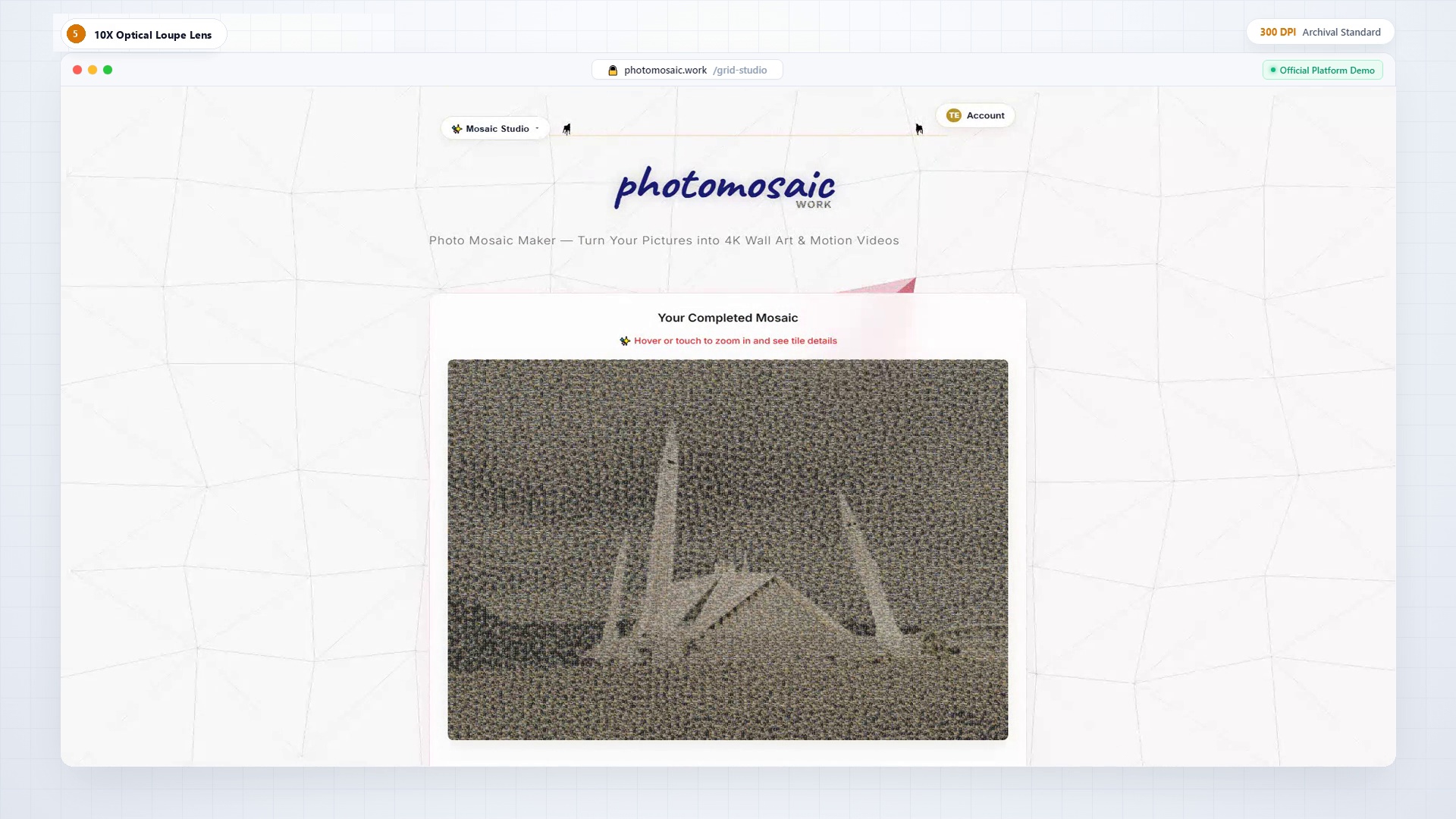
By executing parallel WebGL2 shaders inside the user's browser, Photomosaic.work eliminates the trade-offs of legacy suites: users enjoy instant generation without software installs, 100% privacy because images stay in local memory, and museum-grade 300 DPI exports powered by CIELAB color science.
Conclusion: Matching Software to Your Creative Objective
If you prefer an offline desktop utility with technical tile parameters, AndreaMosaic is a time-tested option. If you need hexagonal geometric layouts, TurboMosaic is a solid desktop pick. If you want high-resolution 300 DPI master files, live real-time event walls for weddings or galas, and true optical color fidelity without muddy color tinting, Photomosaic.work represents the state of the art in modern browser engineering.
To dive deeper into the color science, read our breakdown of CIELAB Delta-E Mathematics or explore our Archival Print Handbook.